What's the difference between Grade and Slope?
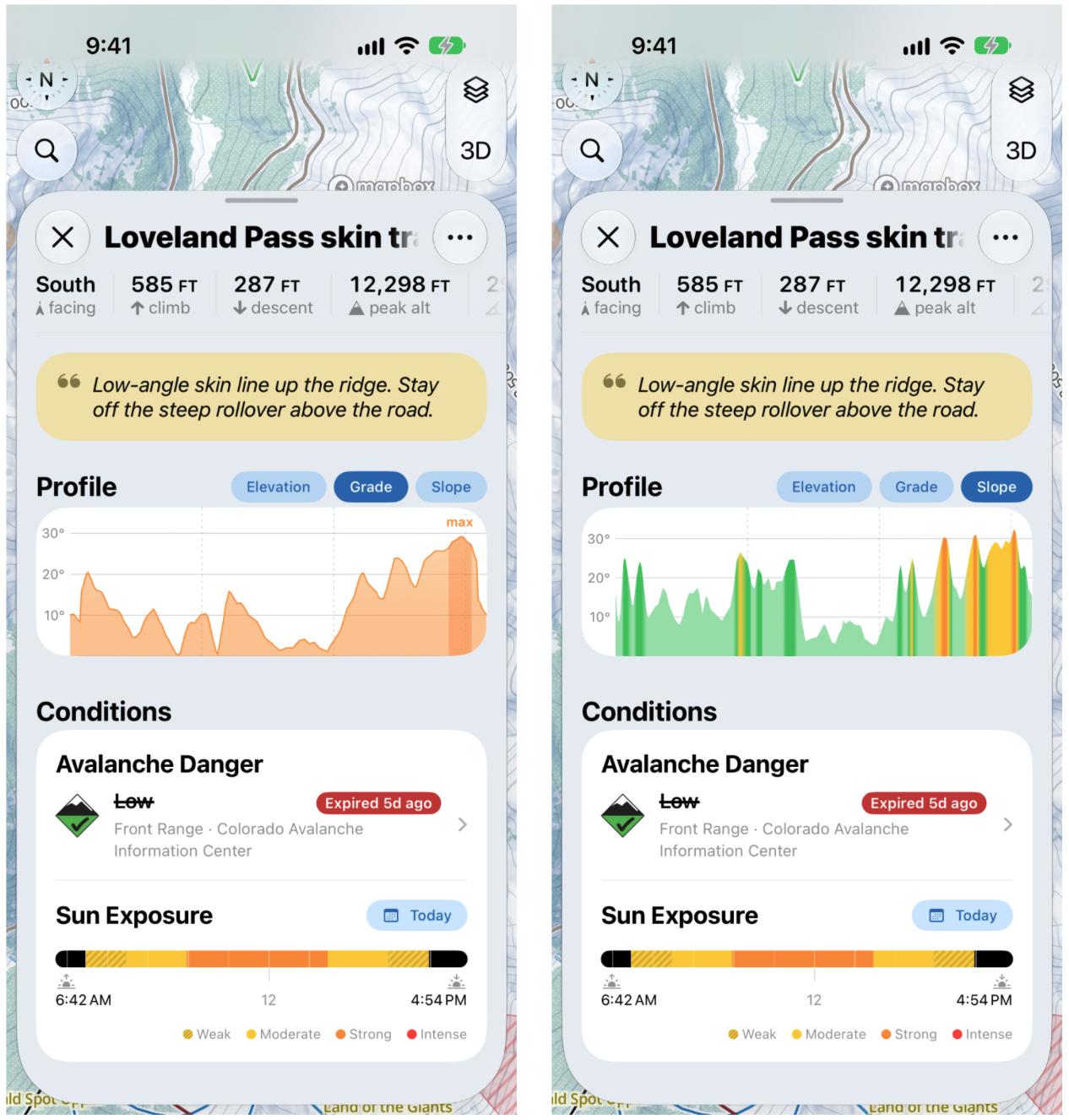
When you open a route, you'll see a Profile graph with three tabs: Elevation, Grade and Slope. Grade and Slope sound alike, but they measure different things.
Grade is the line you take. Slope is the terrain you cross.
For example, picture a cat track that runs across a steep hillside. The Grade is low, because the track itself is fairly flat. The Slope is high, because the hillside underneath it is steep.
What else is on the route screen?
At the top, you'll see the route's climb, descent, peak altitude and distance, which are free for everyone. With Slopes Explore, you'll also see its facing direction (or directions, if it faces more than one way) and max angle.
Below the Profile, Conditions → Sun Exposure shows how strong the sun will be on the route from sunrise to sunset, from Weak to Intense. It shows Today by default, but you can pick a future date to plan ahead for a trip.
⚠️ The Elevation graph on your routes is included with Slopes Plus. The Grade and Slope graphs and Sun Exposure require Slopes Explore.
Grade on trail cards
You'll also find Grade on the trail cards for resort runs. There, the profile graph is included with Slopes Plus, along with a "you may have to walk here" warning on flat sections.
Run graphs also shade two kinds of section: Uphill, where you'll likely need to hike, and Walking, where you probably won't carry enough speed and may need to pole or unstrap. Sun Exposure on trail cards requires Slopes Explore.